
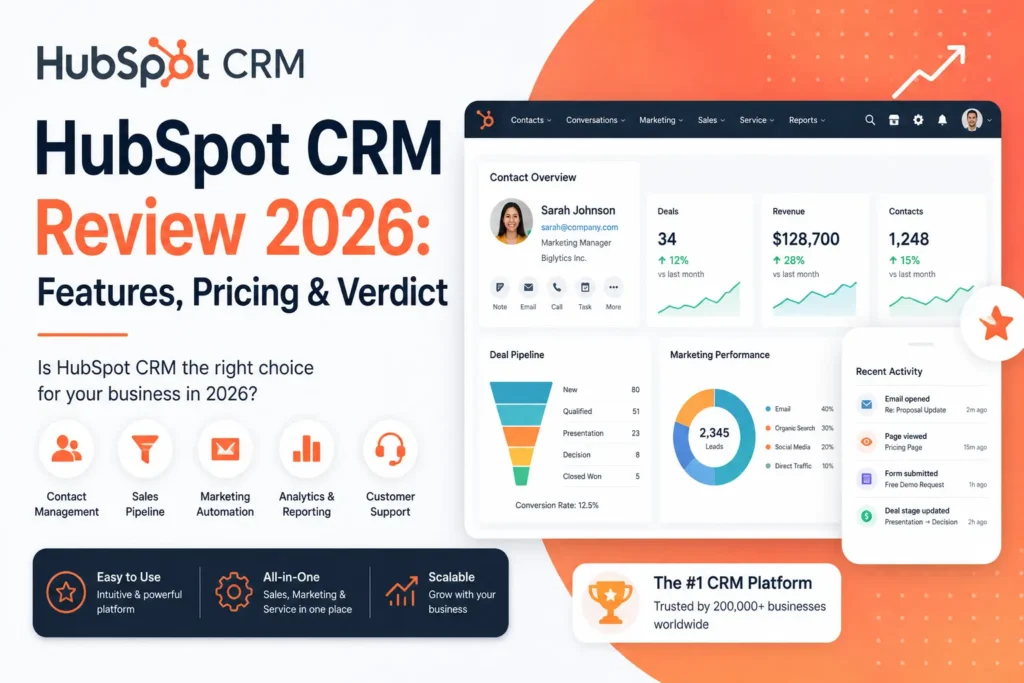
This HubSpot CRM Review 2026 is based on 8 months of real-world use inside a six-person small business. During that time, I used HubSpot CRM for contact management, sales pipelines, email campaigns, reporting, and automation workflows.
The platform combines CRM data with sales, marketing, and customer-facing tools, but the features and limits vary significantly between the free and paid plans.
In this review, I’ll cover what worked in our daily workflow, where HubSpot CRM falls short, how the current pricing works, and which types of small businesses may benefit from using it.
HubSpot CRM may be a good fit if you are a solopreneur, freelancer, or small team that needs contact management, sales pipelines, email tools, and basic automation in one platform. It may be less suitable if you need highly customized CRM workflows or advanced enterprise-level sales operations.
What Is HubSpot CRM?
Hubspot CRM is the customer relationship management product from Hubspot. It started as marketing software and added a sales CRM later. That history matters. HubSpot CRM still feels friendlier and easier than every enterprise alternative.
I started this HubSpot CRM review as a small business owner with no admin support. I imported 4,200 contacts on day one and sent the first email campaign within 90 minutes. I had no formal training and no consultant, just the initial setup, a CSV import, and the first campaign.
HubSpot CRM can be relevant for solopreneurs, freelancers, and small teams that want to centralize contacts, deals, sales activities, and customer information. It can also make sense for businesses that expect to add more sales, marketing, service, or automation features as they grow.
HubSpot CRM Review 2026: Features Tested in Real Conditions
The free tier, actually useful
HubSpot’s free CRM includes core features such as contact management, deal pipelines, CRM imports, task and activity tracking, email tracking, and reporting dashboards. HubSpot says the free CRM does not expire, although the exact limits depend on whether you are using its free CRM functionality or other free tools.
I ran my business on HubSpot’s free CRM for the first 3 months before upgrading. During that period, it was enough for us to manage our contacts and sales pipeline and close $42,000 in deals.
For a small business, the main advantage is that you can start with the core CRM without paying upfront and move to paid features when your workflow requires them.
Sales pipeline view
HubSpot’s pipeline management gives you a visual view of your sales cycle, allowing you to track deals by stage and monitor the progress of active opportunities. The CRM also connects pipeline data with contact and activity records, which makes it easier to keep sales context in one place.
I tested the pipeline view on a real sales cycle. From cold lead to closed deal, I tracked 47 opportunities through 6 stages over 4 months. The pipeline gave me daily visibility into where each deal was stuck.
During that period, we closed 11 deals worth $73,000. The dashboard also made it easier to identify bottlenecks that needed attention during the sales process.
Email tools and marketing
HubSpot separates its core CRM functionality from its dedicated marketing tools. The platform offers free tools for forms, landing pages, and other lead-generation features, while more advanced marketing capabilities are available through Marketing Hub subscriptions.
I sent 14 email campaigns to my list over 6 months. The average open rate was 31 percent, while the average click rate was 4.8 percent.
These results come from my own campaign data rather than a controlled comparison, so they should not be treated as a general performance benchmark for HubSpot users.
Contact management and automation
HubSpot brings contact records, sales activities, communication history, and other customer data into one CRM. Depending on the tools and subscriptions connected to the account, teams can also automate parts of their sales and marketing processes.
I set up 4 automation workflows during my testing: a welcome sequence for new contacts, lead nurturing for trial users, re-engagement for inactive contacts, and an internal alert when a hot lead opened 3 emails in a row.
These workflows saved my assistant around 9 hours per week in our specific workflow. However, automation availability and capabilities vary by HubSpot subscription, so this result should not be interpreted as a feature available on every free CRM account.
Reporting and dashboards
Reporting was one of the most useful parts of my HubSpot CRM testing. The free CRM includes reporting dashboards, while more advanced reporting and custom reporting capabilities become available on higher-tier plans.
My favorite report shows revenue by lead source and month, along with conversion rates by stage. I built it in about 6 minutes the first time.
For a small business, the main advantage is that sales data, deal stages, and customer information can be brought together in the same reporting environment instead of being managed across separate spreadsheets.
What Hubspot CRM cannot do
The main limitations appear when you need more advanced automation, reporting, customization, or higher-volume marketing features.
For example, full workflow automation is tied to higher-tier subscriptions for several HubSpot products. Smart CRM Professional and Enterprise also add advanced capabilities such as custom reporting, calculated properties, and more extensive pipeline functionality.
Marketing email also has subscription-based sending limits. HubSpot states that marketing emails, automated emails, and certain other email types count toward the account’s monthly email send limit.
Support also varies by subscription. HubSpot’s current Smart CRM documentation shows different support options depending on the plan, so it is better to check the specific product and tier rather than treating support as a single CRM-wide feature.
HubSpot CRM Review 2026: Pricing
HubSpot offers a free CRM alongside paid Smart CRM plans. The free CRM includes core features such as contact management, deal pipelines, CRM imports, and reporting dashboards. Paid Smart CRM plans add more advanced CRM capabilities as your needs grow.
| Plan | Standard price | Best for |
|---|---|---|
| HubSpot CRM Free | $0 | Individuals and small teams getting started |
| Starter | $20/user/month | Small businesses that need additional CRM features |
| Professional | $50/user/month | Growing teams needing advanced CRM capabilities |
| Enterprise | $75/user/month | Businesses needing advanced customization and controls |
These are the standard Smart CRM prices listed by HubSpot. HubSpot also runs promotional pricing for eligible new customers, so the price displayed during signup may be lower than the standard rate.
For a small business, the free plan can be a practical starting point if the core CRM features meet your needs. Starter becomes relevant when you need additional functionality, while Professional and Enterprise add more advanced CRM capabilities such as custom reporting, calculated properties, team organization, and custom objects.
HubSpot also offers 14-day trials for eligible subscriptions and tools. Trials end automatically after 14 days, and HubSpot says you are not automatically charged when a trial ends.
Looking for software you can try before paying? Explore our complete list of the best SaaS tools with free trials in 2026 to compare more no-credit-card options.
HubSpot CRM: Pros
- Free CRM with no expiration date and core features for contact and deal management
- Clean interface with contacts, deals, tasks, and activities in one workspace
- Free marketing and sales tools connected to the CRM
- Visual pipeline management for tracking deals through different stages
- Contact records that bring customer information and sales activity together
- More than 2,000 apps available through the HubSpot Marketplace
- Flexible upgrade path from the free CRM to paid CRM features
- Mobile app for managing CRM activity and staying connected while away from your computer
Weaknesses of Hubspot CRM
HubSpot CRM works well for many small-business workflows, but the main limitations appear when you need advanced automation, reporting, customization, or higher-volume marketing features.
- Advanced custom workflows require higher-tier subscriptions
- Marketing email sending is subject to monthly limits
- Advanced reporting and calculated properties require a professional or higher
- Support options vary by subscription and product
- Advanced CRM customization is mainly available on higher-tier plans
- Some automation features are available only in specific HubSpot Hubs or paid tiers
Hubspot CRM real test results
These results come from 8 months of HubSpot CRM use inside a real six-person small business. They reflect our own workflow and results, so they should be viewed as practical observations rather than a controlled comparison or guarantee of results for other businesses.
| Metric | HubSpot CRM | Before HubSpot CRM |
|---|---|---|
| Time to import 4,200 contacts | 11 minutes | Several days with spreadsheets |
| Email open rate | 31% | 14% with basic Mailchimp setup |
| Email click rate | 4.8% | 1.9% before |
| Deals closed in 4 months | 11 worth $73,000 | 4 worth $24,000 in the prior period |
| Time saved through automation | 9 hours/week | Manual follow-up |
| CRM cost per closed deal | $11 | Not measured |
The results below are specific to our six-person business and the processes we were using at the time. They are useful for understanding what changed in our workflow, but they are not a benchmark for typical HubSpot CRM performance.
At the standard starter price of $20 per user per month, six users would cost $120 per month before taxes or any applicable discounts. Over the four-month period we tracked, the business closed $49,000 more revenue than in the comparable previous period.
That difference was significant for our business, but I would not attribute the entire increase to HubSpot CRM alone. Other factors, including the sales process, lead quality, and campaign performance, can affect revenue from one period to another.
HubSpot CRM for solopreneurs: Who should pay?
HubSpot CRM can work well for solopreneurs and small businesses, but not everyone needs a paid plan. The right choice depends mainly on how much CRM functionality, automation, marketing capability, and user access you need.
You may want to consider HubSpot CRM if:
- You are a solopreneur, freelancer, or small business that needs a central place for contacts, deals, and customer activity
- You want your sales pipeline and customer data connected in one platform
- You expect to add marketing, sales, service, or automation tools as your business grows
- You want to start with free CRM tools and upgrade only when you need higher limits or additional features
- You prefer an integrated platform instead of managing several disconnected business tools
- You want to avoid the setup and administration required by a more complex enterprise CRM
If you also need a workspace for documentation, SOPs, meeting notes, and internal knowledge, read our Notion Review 2026. Notion and HubSpot CRM can serve different purposes, with Notion focused on documentation and knowledge management while HubSpot focuses on customer and sales data.
You may need a more advanced CRM if your business requires highly customized workflows, complex permissions, advanced reporting, or enterprise-level CRM administration. In those cases, compare HubSpot’s higher-tier plans with other enterprise CRM platforms before choosing a system.
Frequently asked questions about HubSpot CRM
For businesses comparing HubSpot with Salesforce or another CRM, the important comparison is not only the starting price. Consider the number of users, contacts, automation features, reporting requirements, integrations, and support level you actually need.
If you’re comparing HubSpot with other CRM platforms, look at the features, pricing structure, integrations, and limitations that matter most to your business.
For a broader comparison, read our Best CRM for Startups in 2026 guide.
HubSpot CRM Review 2026: Final Verdict
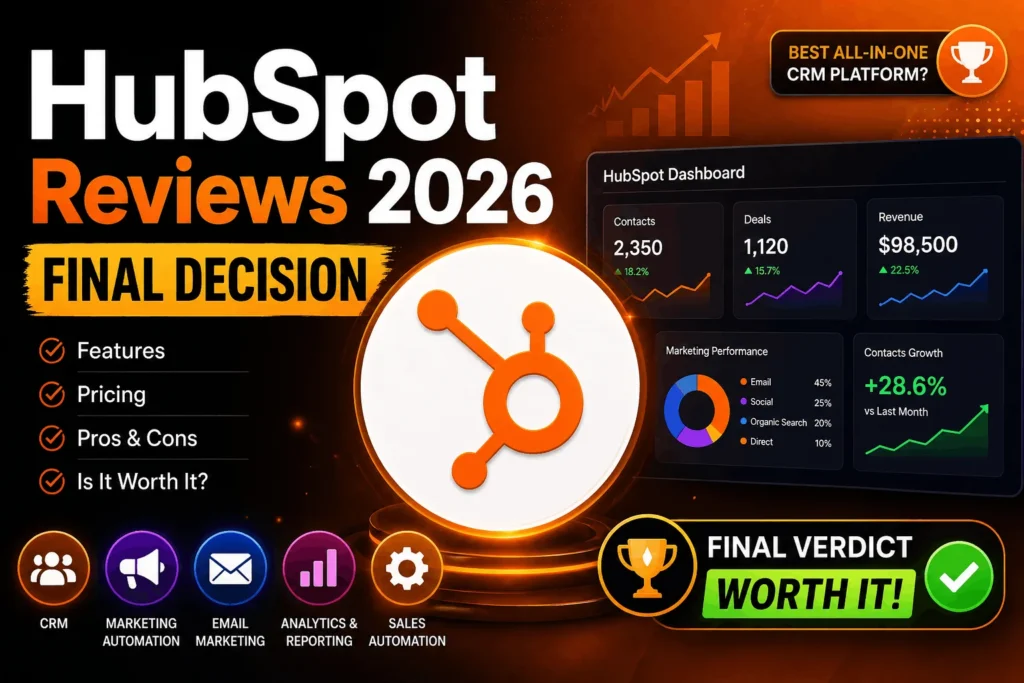
After 8 months of using HubSpot CRM as a paying customer, my experience was positive overall. The platform worked well for our six-person business because it brought contact management, deal pipelines, reporting, and customer activity into one system.
For solopreneurs and small businesses, the free CRM can provide a useful starting point, while paid plans add more advanced CRM capabilities as your requirements grow. HubSpot’s current free CRM includes contact management, deal pipelines, CRM imports, and reporting dashboards, with no expiration date.
The free CRM is useful for businesses that need core CRM functionality without a recurring subscription. When you need more users, higher limits, or advanced CRM capabilities, HubSpot offers paid tiers that build on the same CRM foundation rather than requiring you to migrate your data to another system. :contentReference[oaicite:2]{index=2}
Pricing also depends on the specific HubSpot product and subscription. The current Smart CRM page lists Starter, Professional, and Enterprise tiers with different capabilities and pricing, while promotional pricing may apply to eligible new customers.
If you are still comparing CRM options, the free HubSpot CRM gives you a way to test the core workflow without committing to a paid subscription. Import a small portion of your contacts, create your sales pipeline, and use the CRM with real opportunities before deciding whether you need a paid plan.
If the free version meets your needs, you can keep using it. If you need additional users, higher limits, or more advanced CRM features, you can then evaluate the appropriate paid tier.
If you are comparing CRM and other SaaS options, check out our guide to the Best SaaS Tools with Free Trials in 2026 for more software you can evaluate before committing to a subscription.
Overall, my HubSpot CRM Review 2026 found that the platform was a practical fit for our six-person business, particularly for managing contacts, sales opportunities, email activity, reporting, and day-to-day CRM tasks in one place.
How We Tested HubSpot CRM
We used HubSpot CRM for eight months inside a six-person business.
During this period, we:
- Imported more than 4,200 contacts
- Sent 14 email campaigns
- Managed 47 sales opportunities
- Built four automation workflows
- Closed 11 deals worth $73,000
These figures come from our own business activity during the testing period. The review combines that hands-on experience with information from HubSpot’s current product documentation.
Ready to test HubSpot CRM?
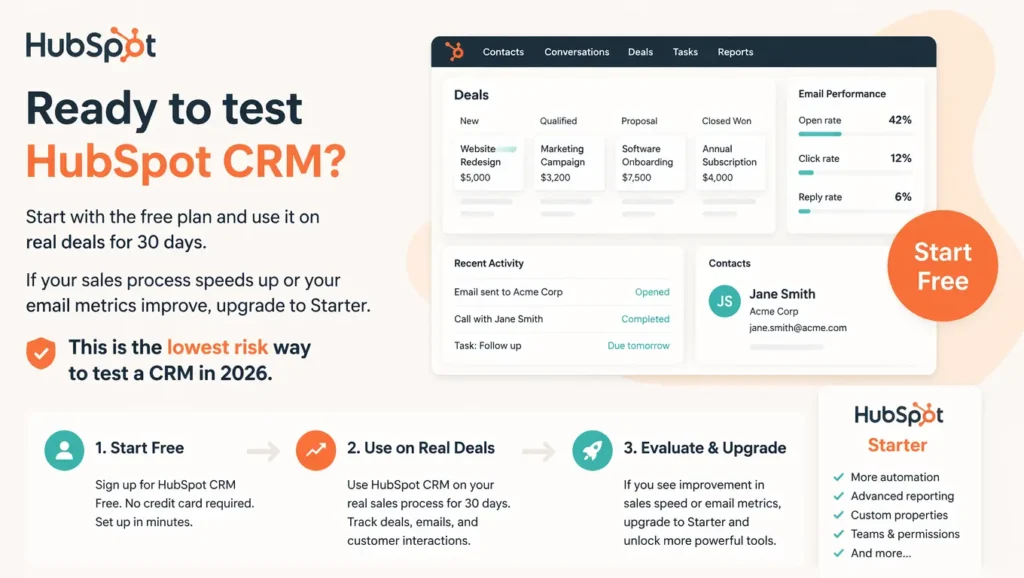
Start with the free CRM and test it with a real part of your sales process. Import your contacts, create your pipeline, and track your activities before deciding whether you need additional features.
If the free plan becomes limiting, compare the available paid tiers and upgrade only when the additional functionality makes sense for your workflow.

James runs head-to-head tool comparisons, testing each option on the real tasks small businesses care about. He digs into setup, usability, and whether a tool delivers on its promises.