Choosing a CRM that combines customer management with marketing automation can help small businesses organize leads, automate follow-ups, and reduce the number of separate tools they need.

In this guide, we compare six leading platforms based on pricing, automation features, ease of use, integrations, and overall fit for small businesses in 2026.
Some options are designed for established service businesses, while others focus on email automation, agencies, or businesses looking for a low-cost starting point.
Choosing the right all-in-one CRM depends on your business size, budget, and workflow.
We compared six main CRM platforms by price, automation capabilities, ease of setup, integrations, and suitability for small businesses. We also included three additional options in our rapid reviews for businesses with more specific needs.
Our goal is to show what each platform actually offers, where its limitations appear, and which type of business workflow it may fit best.
See our Keap Integrations guide to compare native integrations, Zapier connections, and API options.
How We Compared These CRM Platforms
Each platform was evaluated against the core requirements of this comparison: CRM functionality, email marketing, automation capabilities, integrations, pricing, and ease of use.
To identify the best CRM with marketing automation, we compared pricing, automation depth, ease of use, integrations, and long-term value.
CRM and marketing automation scope. The platform needed to combine customer or contact management with marketing functionality and meaningful automation capabilities. Tools relying heavily on separate add-ons were considered separately.
Transparent USD pricing. We used publicly available pricing where possible and noted when pricing depends on contacts, seats, usage, or a custom quote.
Ease of setup for non-technical owners. You shouldn’t need a developer or a lengthy implementation project to start using the platform.
Automation depth. We looked at workflow automation, triggers, sequences, segmentation, and the level of customization available on each platform.
Free plan or meaningful free trial. We considered whether businesses can test the platform before making a long-term commitment.
User feedback. G2 and Capterra ratings were considered as one input alongside product features, pricing, and usability.
Not sure how these platforms work at a technical level? Our guide to what SaaS software is gives you the foundation you need before comparing tools. If you’re at an earlier stage and not ready for a CRM with a marketing automation platform yet, check out our ranking of the best CRM for startups first.
Quick comparison: Best CRM with marketing automation software in 2026
Our comparison of the best CRM with marketing automation focuses on the features small businesses actually need, including contact management, automated follow-ups, integrations, and the total cost of ownership.
| CRM Platform | Free Option | Starting Price (USD) | Best For | Watch Out For | Rating |
|---|---|---|---|---|---|
| Keap | 14-day trial | $299/mo | Established service businesses | Implementation: currently displayed at $500; promotional pricing may change | 4.2 ⭐ |
| HubSpot | Free CRM | From $15/seat/mo | Solopreneurs starting out | Advanced marketing automation requires a paid Marketing Hub plan | 4.4 ⭐ |
| ActiveCampaign | 14-day trial | $15/mo (Starter) | Email-driven businesses | CRM depth limited on lower tiers | 4.5 ⭐ |
| Brevo | Free (300 emails/day) | $9/mo (Starter) | Budget-conscious owners | Advanced features jump to $499/mo | 4.5 ⭐ |
| GoHighLevel | 14-day trial | $97/mo (Starter) | Agencies, multi-client owners | SMS billed extra; steep learning curve | 4.6 ⭐ |
| Zoho | Free (3 users) | From $37/user/mo with annual All-Employee pricing | Value-hunters who need 45+ apps | App overload; complex setup | 4.3 ⭐ |
When comparing the best CRM with marketing automation platforms, pricing is only one factor. Automation quality and integrations matter just as much.
The best CRM with marketing automation should also be easy to implement, because powerful features provide little value if your team cannot use them effectively.
Keap Review: CRM, Marketing Automation & Business Management
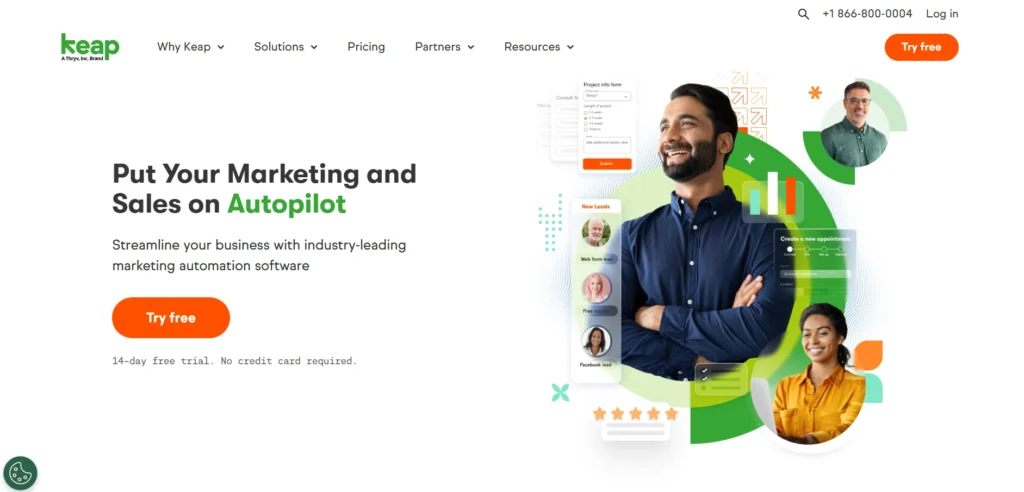
Keap combines CRM, email marketing, automation, payments, invoicing, scheduling, and text marketing in one platform. This makes it particularly relevant for established service businesses that want to consolidate several business tools into one system.
What’s included
Keap’s single plan includes full CRM with pipeline management, email marketing, SMS messaging (500 messages/month included), marketing automation, a landing page builder, appointment scheduling, invoicing, payment collection, and a business phone line. You get 2 users and 1,500 contacts at the base price.
Keap includes CRM, contact management, automation, email marketing, appointment scheduling, invoicing, payments, and text marketing. The current subscription includes a Tier 1 text allowance of 500 messages and 100 voice minutes, with additional usage billed separately.
What you give up
Keap is premium-priced and transparent about it. There is no free plan. Implementation: $500 is currently displayed as a promotional price, and Keap requires it because the platform genuinely needs setup to deliver results. Each additional user beyond the included 2 costs $39/mo. The 14-day free trial caps you at 25 email sends, which makes it more of a guided walkthrough than a full stress test.
If you’re pre-revenue or operating on a tight budget, Keap is not the right starting point.
Pricing (USD)
Keap currently starts at $299/month, with annual billing shown at $2,988/year. The platform uses a single all-in-one plan rather than separate feature-based tiers. Required implementation services are charged separately, and additional text usage can also increase the monthly cost.
Want the full cost breakdown? See our Keap Pricing 2026 guide for subscription costs, implementation, users, contacts, SMS, and payment fees.
Pros
✅ Keap combines CRM, emails, and invoicing.
✅ Saves time on admin tasks.
✅ Easy templates for follow-ups.
✅ Great support team.
Cons
❌ More costly than others.
❌ Can feel heavy for tiny teams.
Who it’s for
Keap is designed for businesses that want CRM, marketing automation, payments, invoicing, scheduling, and customer follow-up in one platform. It may be relevant for established coaches, consultants, agencies, and local service businesses that are willing to pay for an integrated system rather than managing several separate tools.
Disclosure: This article contains affiliate links. If you purchase through one of these links, we may earn a commission at no additional cost to you.
Try Keap Here: Keap CRM
Want a deeper look at Keap’s features, pricing, pros, and cons? Read our Keap Review 2026.
HubSpot – Best free CRM with marketing automation
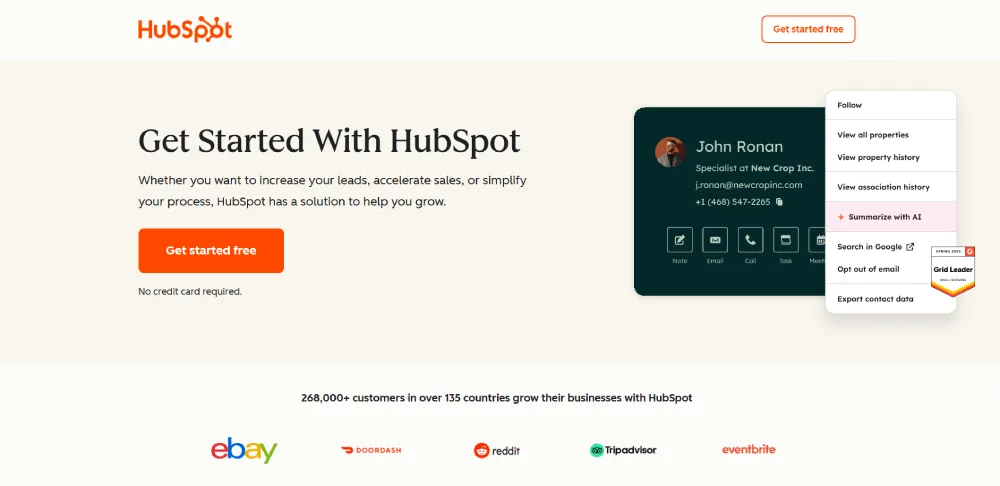
HubSpot’s free CRM is the most well-known entry point in this category and for good reason. You get a genuinely useful platform at zero cost, with no time limit and no credit card required.
HubSpot remains one of the best CRMs with marketing automation solutions for growing businesses.
HubSpot can be the best CRM with marketing automation for beginners who want to start with a free CRM and upgrade gradually.
What’s included
The free CRM includes contact management, deal pipelines, CRM import, reporting, and other core CRM features. HubSpot’s current free CRM is available without a credit card, while paid tiers add more advanced functionality.
What you give up
HubSpot’s free plan is a foot-in-the-door strategy. The marketing automation that rivals what Keap delivers natively lives in Marketing Hub Professional, priced at approximately $800/mo plus a mandatory onboarding fee. Most small business owners hit the ceiling of the Starter plan quickly and face a steep jump to get what they actually need. The gap between free and fully capable is wide.
Pricing (USD)
HubSpot offers a free CRM. Paid pricing varies by product, billing commitment, seats, and promotions. For marketing automation specifically, Marketing Hub Professional currently starts at $800/month on annual billing, plus a required one-time onboarding fee of $3,000.
Pros
✅ Interface is clear and quick to learn.
✅ Every hub shares the same customer data, so marketing, sales, and service stay in sync.
✅ Regular feature updates: HubSpot adds something meaningful almost every quarter.
✅ AI-powered features are available across the platform, depending on the product and plan.
✅ Predictable pricing, with a solid free foundation for smaller teams.
Cons
❌ Outbound-only sales teams may find the marketing tools more than they need.
❌ Advanced automation and enterprise permissions raise costs as you scale.
Who it’s for
HubSpot is the best starting point for solopreneurs and early-stage businesses that need a real CRM at zero cost. If you outgrow Free quickly and need serious automation without budget constraints, evaluate Keap or ActiveCampaign before committing to HubSpot professional pricing.
ActiveCampaign – Best for email & marketing automation
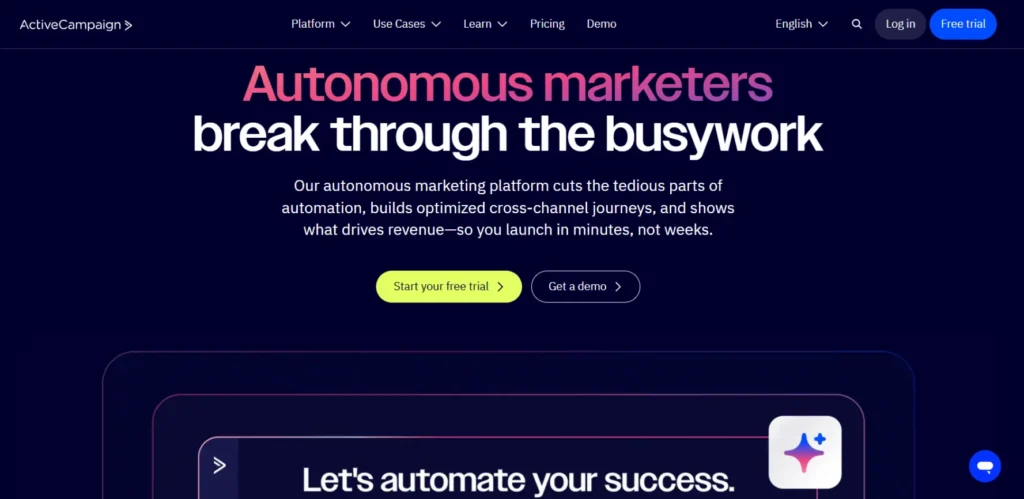
If advanced workflows are your priority, ActiveCampaign is particularly focused on email marketing and workflow automation, with CRM functionality integrated into its platform.
ActiveCampaign built its reputation on email automation, and it still leads the category. If sending the right message to the right person at exactly the right moment is your primary business lever, this is your tool.
What’s included
On the Plus plan ($49/mo for 1,000 contacts), you get a full CRM, email marketing, advanced visual automation workflows, landing pages, SMS messaging, lead scoring, and site tracking. Its visual automation tools support multi-step workflows, segmentation, and conditional customer journeys. You can build complex, conditional sequences that would require a developer-level setup on competing platforms.
What you give up
The Starter plan ($15/mo) is email-first; the CRM depth and automation precision you actually want require Plus ($49/mo) or Pro ($79/mo). There’s no free plan. ActiveCampaign pricing is contact-based, which means your monthly bill grows as your list grows. Budget for this at scale.
Pricing (USD)
Starter: $15/mo.
Plus: $49/mo.
Pro: $79/mo.
Enterprise: $145/mo. All prices for 1,000 contacts, billed annually. 14-day free trial available.
Pros
✅ Best for email automation
✅ Strong segmentation
✅ Great deliverability
✅ Includes CRM pipelines
Cons
❌ Takes time to learn
❌ CRM features are basic.
Who it’s for
ActiveCampaign is the best pick for email-driven businesses: online course creators, coaches with nurture sequences, and service businesses where automated follow-up drives most conversions. If your pipeline management is equally important to your email strategy, compare Keap’s integrated approach before deciding.
Brevo – Best budget CRM with marketing automation
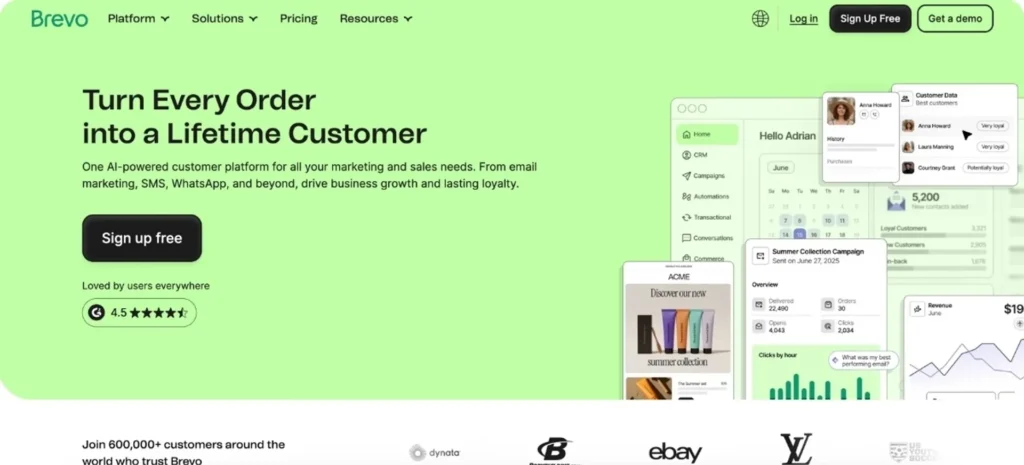
Brevo (formerly Sendinblue) runs in the CRM and email marketing category. It’s also priced differently than every other platform on this list; you pay based on email volume, not contact count.
What’s included
The free plan gives you unlimited contacts, a built-in CRM with marketing automation with deal pipelines, up to 300 email sends per day, transactional email, and SMS access. The Starter plan ($9/mo) removes the daily send cap. Brevo’s contact-unlimited pricing model means your monthly cost doesn’t spike when your list doubles a real advantage for growing small businesses.
What you give up
Marketing automation and A/B testing require the business plan (~$18/mo at entry email volume). If you need landing pages, Facebook Ads integration, and dedicated support, you’re looking at the Professional plan at $499/mo, a significant jump. Brevo’s CRM is functional but basic compared to Keap or ActiveCampaign. It handles contacts and deals well; it doesn’t replace a true sales pipeline tool.
Pricing (USD)
Free: 300 emails/day, unlimited contacts.
Starter: from $9/mo.
Business: from ~$18/mo.
Professional: $499/mo. All prices scale with monthly email volume.
Pros
✅ Simple and user-friendly
✅ Free plan with email marketing, email sequences, and pipelines
✅ Powerful automation builder
✅ Multichannel campaigns on email, SMS, and WhatsApp
Cons
❌ I’d like to see more email templates.
Who it’s for
Brevo can be useful for small businesses that prioritize email marketing while also needing basic CRM and automation capabilities. Its pricing is primarily tied to email volume rather than simply the number of contacts.
GoHighLevel – Best for agencies & multi-client owners
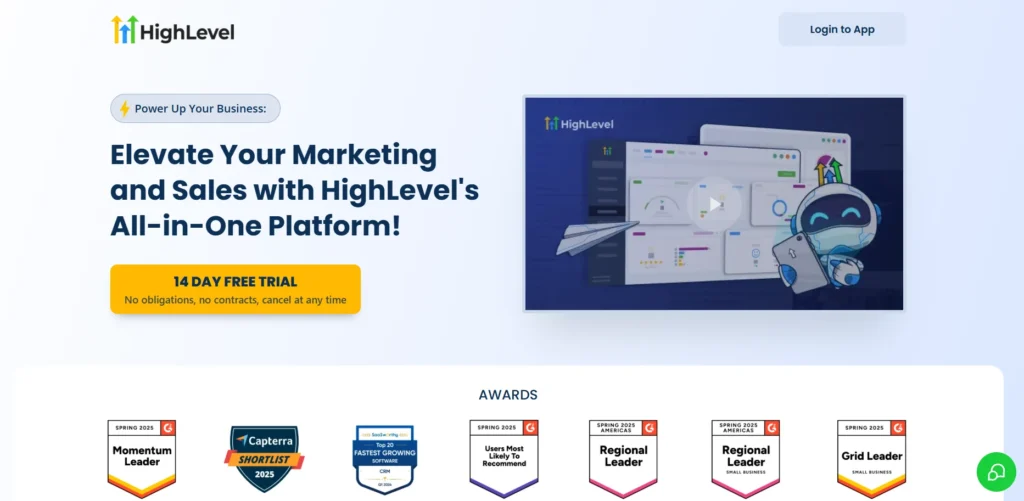
GoHighLevel (GHL) is the most ambitious all-in-one platform on this list. It was purpose-built for marketing agencies and multi-client businesses, and it shows in every layer of the product.
What’s included
The Starter plan ($97/mo) covers CRM, email marketing, SMS, funnel builder, landing pages, appointment booking, reputation management, and a client portal. The Unlimited plan ($297/mo) adds white-labeling and unlimited client sub-accounts, meaning you can run your own branded software business on top of GHL’s infrastructure. Contacts and users are unlimited on all plans.
What you give up
SMS messages and email sends are billed as usage fees on top of your monthly subscription. Unlike Keap’s 500 included SMS messages, GHL charges per message. The platform has a steep learning curve; most users spend 2-4 weeks configuring it before they see value. The interface is built for agency operators managing multiple clients, not solo service business owners managing one business.
Pricing (USD)
Starter: $97/mo.
Unlimited: $297/mo.
SaaS Pro: $497/mo. 14-day free trial available. SMS and email are charged separately at usage rates.
Pros
✅ Best for white-label option for agencies.
✅ Multi-channel (SMS, calls, emails).
✅ Replaces many tools at once.
✅ Strong automation for leads.
Cons
❌ GoHighLevel’s learning curve is steeper.
❌ No free plan.
Who it’s for
GoHighLevel is the right pick for marketing agencies, freelance media buyers, or consultants managing 3+ client accounts simultaneously. If you run one business and don’t need client sub-accounts or white-labeling businesses that only need a simple CRM, you may find your agency-oriented feature set broader than necessary. Keap or ActiveCampaign will serve you better with less friction.
Rapid Reviews: Zoho, Freshsales & Pipedrive
6 main picks + 3 additional options
Zoho – Best value suite
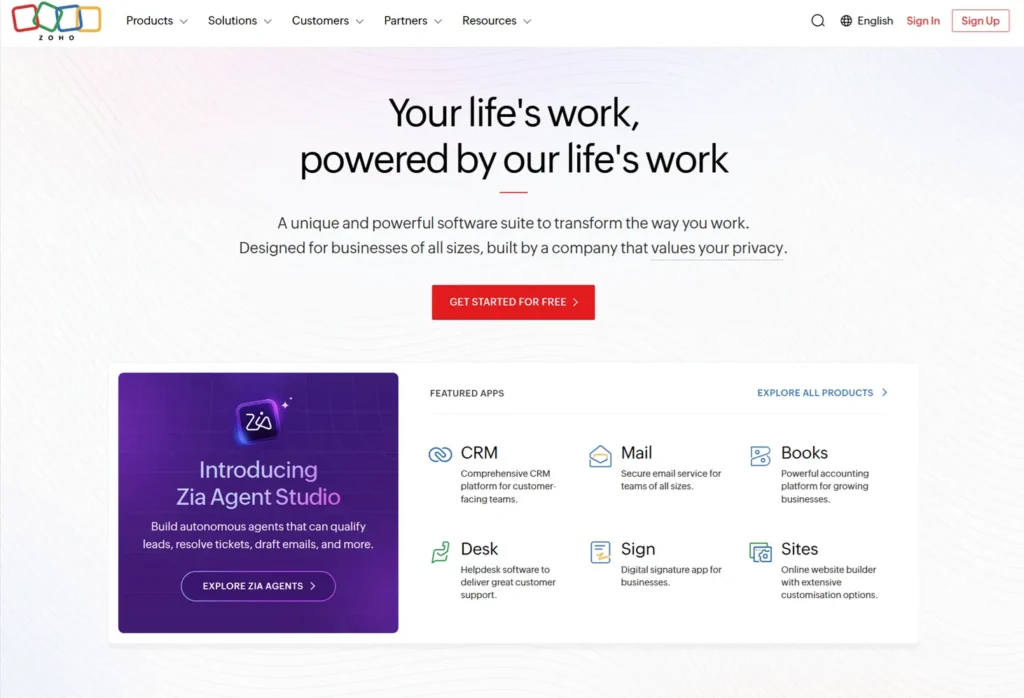
Zoho CRM is free for up to 3 users and includes solid pipeline management, email integration, and workflow rules. Zoho One is listed at $37/user/month with annual All-Employee pricing. Other licensing models may have different prices. unlocks 45+ Zoho apps: CRM, Campaigns, Books (invoicing), Desk (helpdesk), People (HR), and more. That’s extraordinary breadth for the price if you’ll genuinely use it.
Rating: 4.3. Start with Zoho CRM Free; upgrade to Zoho One only when you’re actively using 8 or more apps.
Pros
✅ Good value for businesses that need multiple business apps
✅ Extensive feature set
✅ Workflow automation and customization
✅ Large app ecosystem
Cons
❌ A broad feature set can increase setup complexity
❌ May be more than a small business needs
Freshsales – Honorable mention
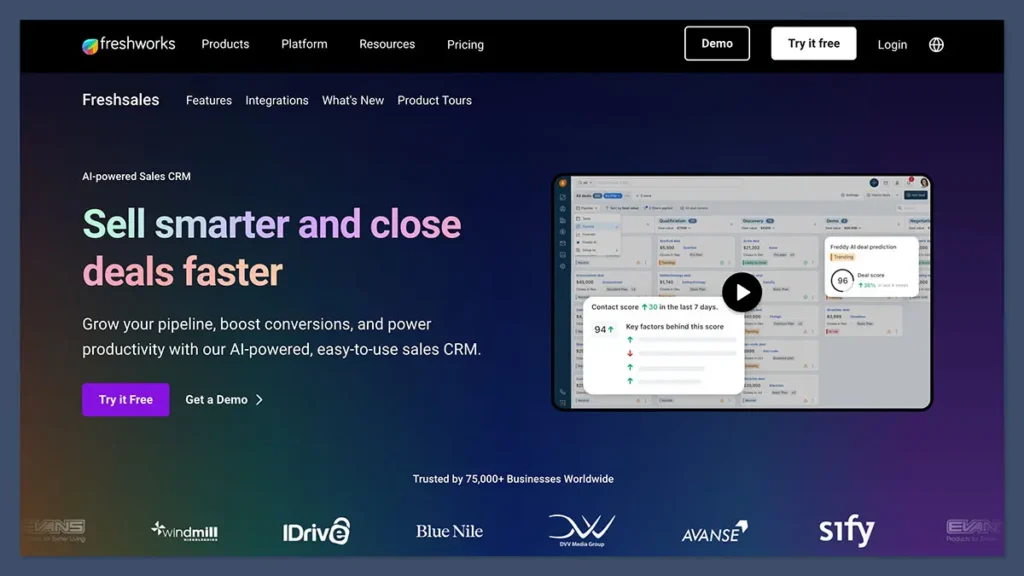
Freshsales offers a capable free plan plus a standout AI feature called Freddy AI that scores leads and suggests next actions automatically. Growth starts at $9/user/mo; Pro runs $39/user/mo. It’s a strong CRM for sales-led businesses. But “CRM with marketing automation” is a stretch; email marketing campaigns require Freshmarketer as a separate purchase.
Rating: 4.5. Best for businesses where pipeline management and AI-assisted follow-up are top priorities.
Pros
✅ Low cost and great value for the feature set
✅ Powerful AI analytics and flexible insights
✅ Multichannel communications
✅ Advanced sales and marketing automations
✅ Part of the larger Freshworks suite
Cons
❌ The difference between some plans could be clearer.
❌ For example, the marketing tools in Freshsales
❌Suite versus the Freshmarketer plan.
Pipedrive – Best pure pipeline CRM
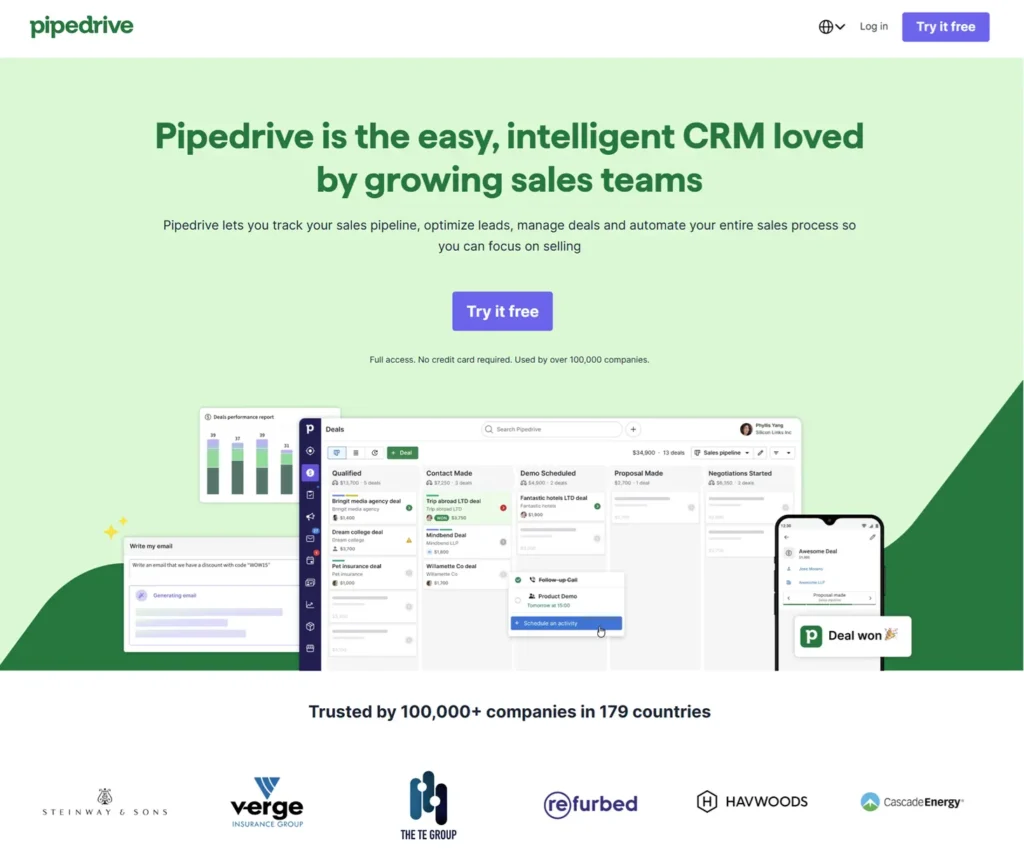
Pipedrive is primarily a sales CRM and pipeline management platform. Marketing automation and campaign functionality may require additional products or integrations. It’s the best pure sales pipeline tool on the market. Plans run from $14 to $39/user/mo with no free plan (free 14-day trial, no credit card required). Email automation, campaigns, and AI-powered features are available as paid add-ons. If deal management is your entire focus and you’re comfortable connecting email marketing through an integration, Pipedrive deserves serious consideration.
Rating: 4.7. Not an all-in-one, but best-in-class at what it does.
Pros
✅ User-friendly interface
✅ Connects sales and marketing
✅ Advanced sales CRM tools
✅ AI prompts for creating workflows
✅ iOS and Android apps for mobile
Cons
❌ Having marketing automation as a paid-for extra makes it a bit expensive.
CRM With Marketing Automation: What to Check Before You Buy
Not every platform that calls itself an CRM with marketing automation earns that label. Here’s what to watch for before you sign a contract or enter your credit card:
Hidden usage fees. SMS messages, email sends, and AI features are often charged on top of the base monthly price. GoHighLevel follows this model. Always calculate your all-in monthly cost before committing, not just the headline subscription price.
Mandatory onboarding fees buried in the fine print. Keap charges a transparent onboarding fee from ~$499. Other platforms hide similar fees in their sales process. Ask directly: “Is there a required onboarding or setup fee?”
Automation locked behind a major upgrade. HubSpot’s real marketing automation requires an $800+/mo plan. ActiveCampaign’s full automation depth starts at $49/mo, not the $15 Starter plan. Know which tier actually delivers the features you need before you buy.
Per-contact pricing that spikes at scale. Contact-based pricing looks reasonable at 1,000 contacts and becomes painful at 10,000. Calculate your 12-month cost at your expected list size, not your current one.
Buying a broad software suite you won’t use. A platform with dozens of applications can be useful if they match your workflow, but a smaller business may not need every included product. Compare the features you actually expect to use before choosing a suite.
Which CRM with marketing automation fits different business needs?
| Business need | Platforms to consider | Why |
|---|---|---|
| Established service business | Keap | Combines CRM, automation, payments, invoicing and scheduling. |
| Starting with a free CRM | HubSpot or Brevo | Both offer free entry-level options. |
| Email automation is the priority. | ActiveCampaign | Strong focus on email workflows and automation |
| Agency or multi-client management | GoHighLevel | Built around agency workflows and multiple sub-accounts |
| Broad business software suite | Zoho One | Combines CRM with many other business applications |
| Sales pipeline management | Pipedrive | Primarily focused on sales pipelines and deal management |
After comparing every best CRM with a marketing automation platform, we found that the right choice depends on your budget, business size, and automation needs.
After reviewing every platform, the best CRM with marketing automation depends on whether you prioritize affordability, advanced email workflows, sales tools, or an all-in-one business system.
Final Thoughts
The right CRM depends on how your business handles leads, marketing, sales, and customer follow-up.
Keap brings CRM, automation, payments, invoicing, scheduling, and text marketing together for businesses looking for an integrated platform. HubSpot provides a free CRM entry point, while ActiveCampaign focuses heavily on email automation. Brevo offers a lower-cost approach centered on email and multichannel marketing, and GoHighLevel is designed with agencies and multi-client workflows in mind.
Before choosing a platform, compare the features you actually need, the pricing at your expected contact or user volume, and which automation capabilities are included in the plan you would purchase.
FAQ
Choosing the best CRM with marketing automation means balancing your budget, workflow complexity, and the features included in your chosen plan. Compare actual costs and automation limits before committing, and choose a platform that fits your current needs while allowing room for growth.

Fedora writes step-by-step guides for non-technical founders, turning complex SaaS setups into clear, follow-along tutorials. She focuses on getting small business owners from sign-up to first results without the jargon.