Late payments are one of the biggest cash-flow headaches in freelance life, and a messy invoice built in Word no payment link, no reminder, no tracking quietly makes it worse. The right invoicing software for freelancers fixes that: it sends professional invoices, chases clients for you, and lets people pay in one click.
This guide ranks the five best invoicing software for freelancers in 2026, with real USD pricing (verified this month), free-plan details, and a clear pick for every freelance profile and budget.
🏆 Top picks
- Best overall: FreshBooks the most polished, full billing cycle
- Best free plan: Zoho Invoice unlimited invoices & clients, $0 forever
- Best truly free alternative: Wave free invoicing plus basic accounting
- Best for accounting + taxes: QuickBooks Online invoicing inside full bookkeeping
- Best for creatives: HoneyBook proposals, contracts, and invoices in one flow
How we ranked the best invoicing software for freelancers
We didn’t just read feature lists. We scored each tool on what actually matters when you’re billing clients from your laptop:
- Free plan quality: can you send real invoices at $0, or is it a bait-and-switch trial?
- Transparent USD pricing: every number here is in US dollars, verified September 2026.
- Ease of setup: can a non-technical freelancer be running in under 10 minutes?
- Recurring invoices & auto-reminders: essential for retainers and reducing late payments.
- Payment integrations: Stripe, PayPal, and ACH for US clients.
- US tax support: sales tax, 1099 prep, USD reporting.
Every tool here scores above 4.3 on G2 or Capterra. No filler picks.
Quick comparison table
| Tool | Free plan | Starting price (USD) | Best for |
|---|---|---|---|
| Zoho Invoice | Yes, forever free | $0 | Budget-conscious solopreneurs |
| Wave | Yes, forever free | $0 (payment fees apply) | Solo freelancers |
| FreshBooks | No (30-day trial) | from $23/mo ($17 annual) | Freelancers & agencies |
| QuickBooks Online | Limited free tier | from ~$38/mo | Freelancers needing accounting |
| HoneyBook | No (30-day trial) | $36/mo | Creative freelancers |
Pricing verified September 2026. Invoicing tools change plans often re-check before you buy.
FreshBooks: best overall invoicing software for freelancers
FreshBooks is the gold standard for freelance invoicing. It’s not the cheapest, but it’s the most polished and the most complete the tool that makes you look like a real business instead of someone billing from a Google Doc.
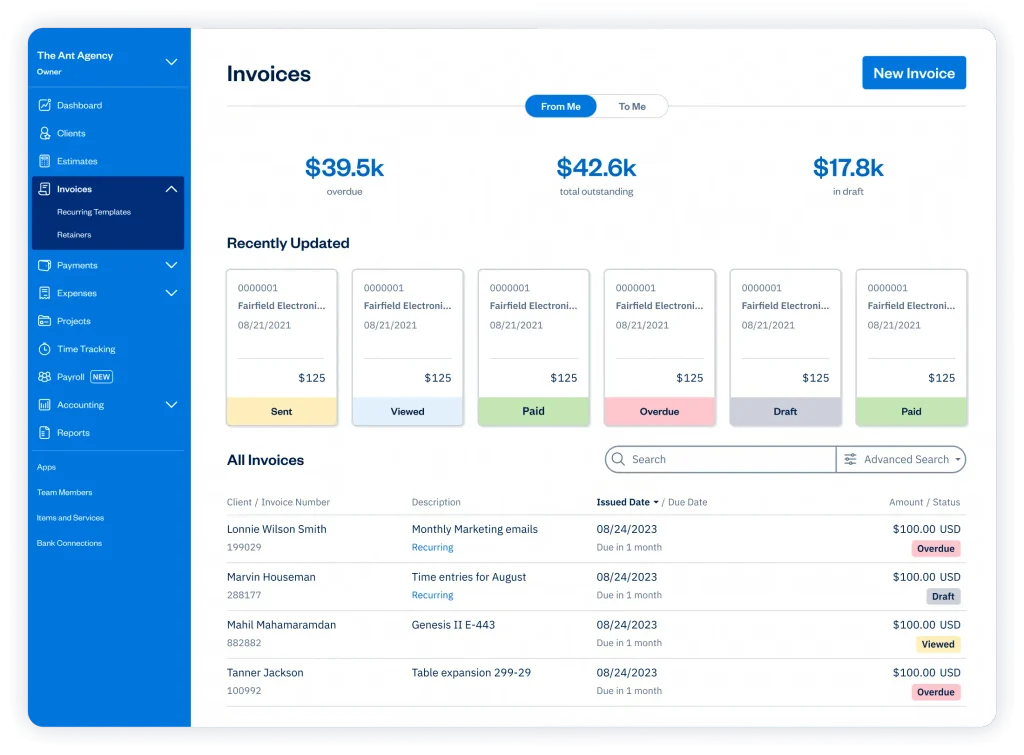
What it does well. Professional templates, automatic payment reminders, built-in time tracking so you bill every minute, late-payment fees you can add to invoices, recurring invoices for retainers, and a client portal where clients view and pay. Stripe, PayPal, and ACH are all supported. It handles the entire billing cycle: send, track, remind, and collect.
Pricing (USD). FreshBooks bills by client count, and list prices rose in 2026:
- Lite: $23/mo ($17/mo on annual billing) – up to 5 clients
- Plus: $43/mo ($30/mo annual) – up to 50 clients
- Premium: $70/mo ($54/mo annual) – unlimited clients
30-day free trial, no credit card. Card payments carry a 2.9% + $0.30 processing fee.
Pros: best UX in the category, built-in time tracking, recurring invoices, and automatic late fees. Cons: no forever-free plan; the 5-client cap on Lite is tight; the price climbs fast with a big roster.
Wave: the best truly free invoicing software
Wave is the answer to “How do I invoice clients without spending anything?” It’s genuinely free not a trial. You get 100% free invoicing and accounting, with unlimited invoices and unlimited clients at $0/month.
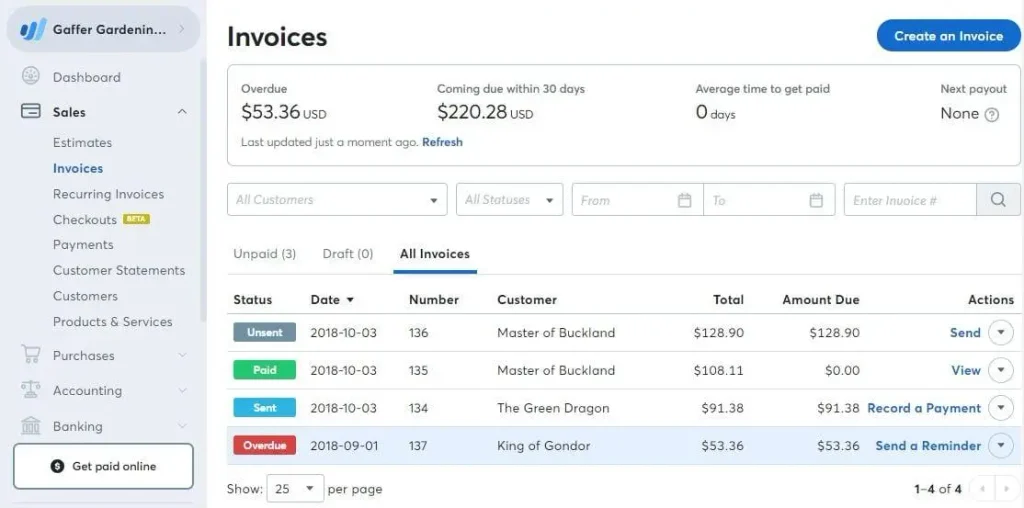
What it does well. Professional templates, automatic reminders, and recurring invoices, plus free bookkeeping so you can track income and expenses in the same app. No subscription required to send invoices.
Pricing (USD).
- Starter: $0/mo forever invoicing and basic accounting
- Pro: $19/mo ($16/mo annual) adds bank auto-import, receipt scanning, and multiple users, and waives the fixed fee on your first 10 card transactions
- Payments: 2.9% + $0.60 per card transaction; 1% for ACH bank transfers
Pros: genuinely free with no invoice limits, free built-in accounting, and a clean interface. Cons: payment processing fees apply to every transaction; some automation (auto-import, receipt scanning) now sits on the Pro tier; available in the US and Canada only.
Zoho Invoice: best free invoicing app for the self-employed
Zoho Invoice is the most feature-rich free invoicing tool on the market and as of 2026, it’s still genuinely free forever, with no artificial time limit.
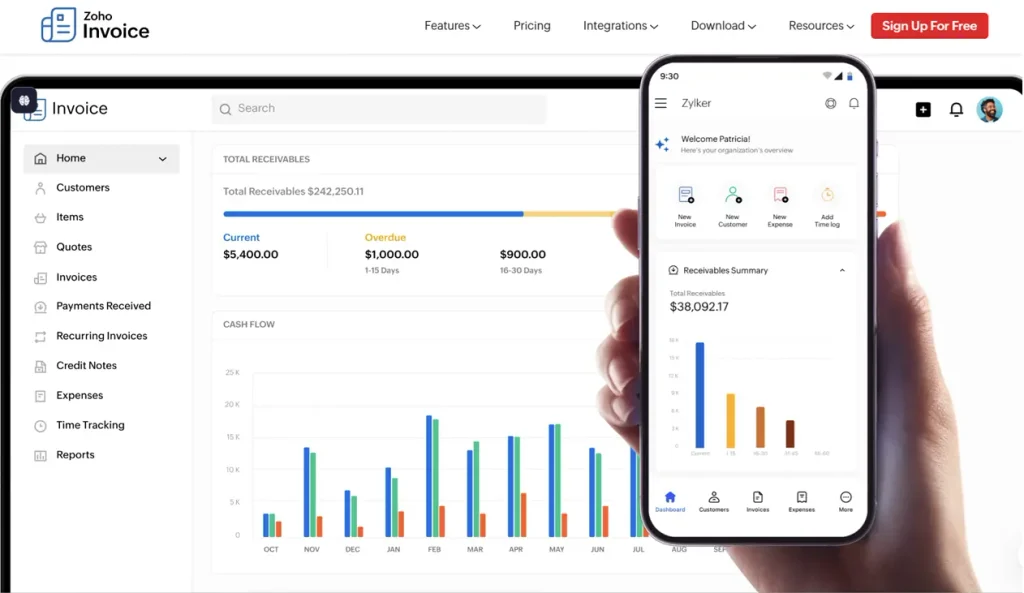
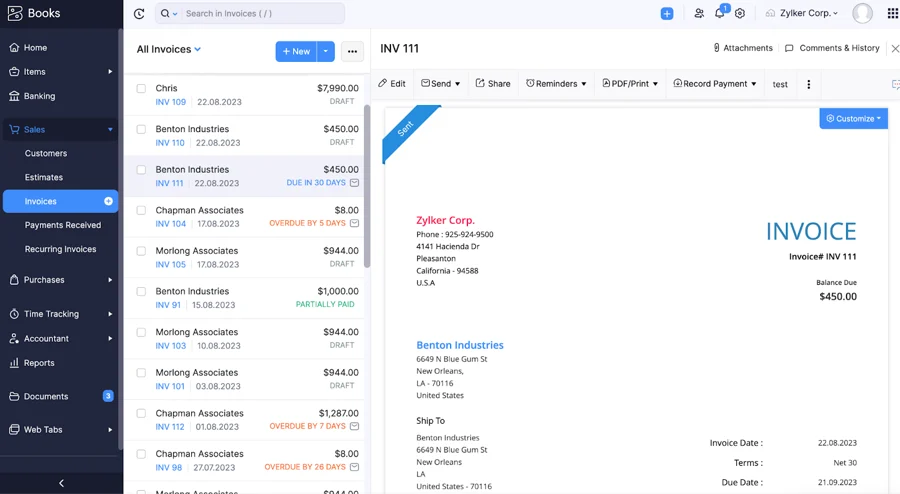
What it does well. For one user at $0/month you get unlimited invoices, unlimited clients, auto-reminders that chase clients for you, recurring invoices for retainers, a client portal, multi-currency support, time tracking, and 10+ payment gateways, including Stripe, PayPal, and ACH. Most paid tools charge for this exact feature set.
Pricing (USD).
- Free forever: $0/mo – 1 user, unlimited invoices, unlimited clients
- Zoho Books: from about $15/mo when you need multiple users and full accounting
Pros: the best free plan in the category, feature-complete for solo freelancers, strong mobile app, multi-currency for international clients.
Cons: limited to 1 user on the free plan; part of the larger Zoho ecosystem, which can feel complex at first.
QuickBooks Online: best for freelancers who need accounting too
QuickBooks isn’t just invoicing it’s a full accounting platform with excellent invoicing built in. If you juggle quarterly taxes, mileage deductions, and multiple income streams, it handles the whole picture.
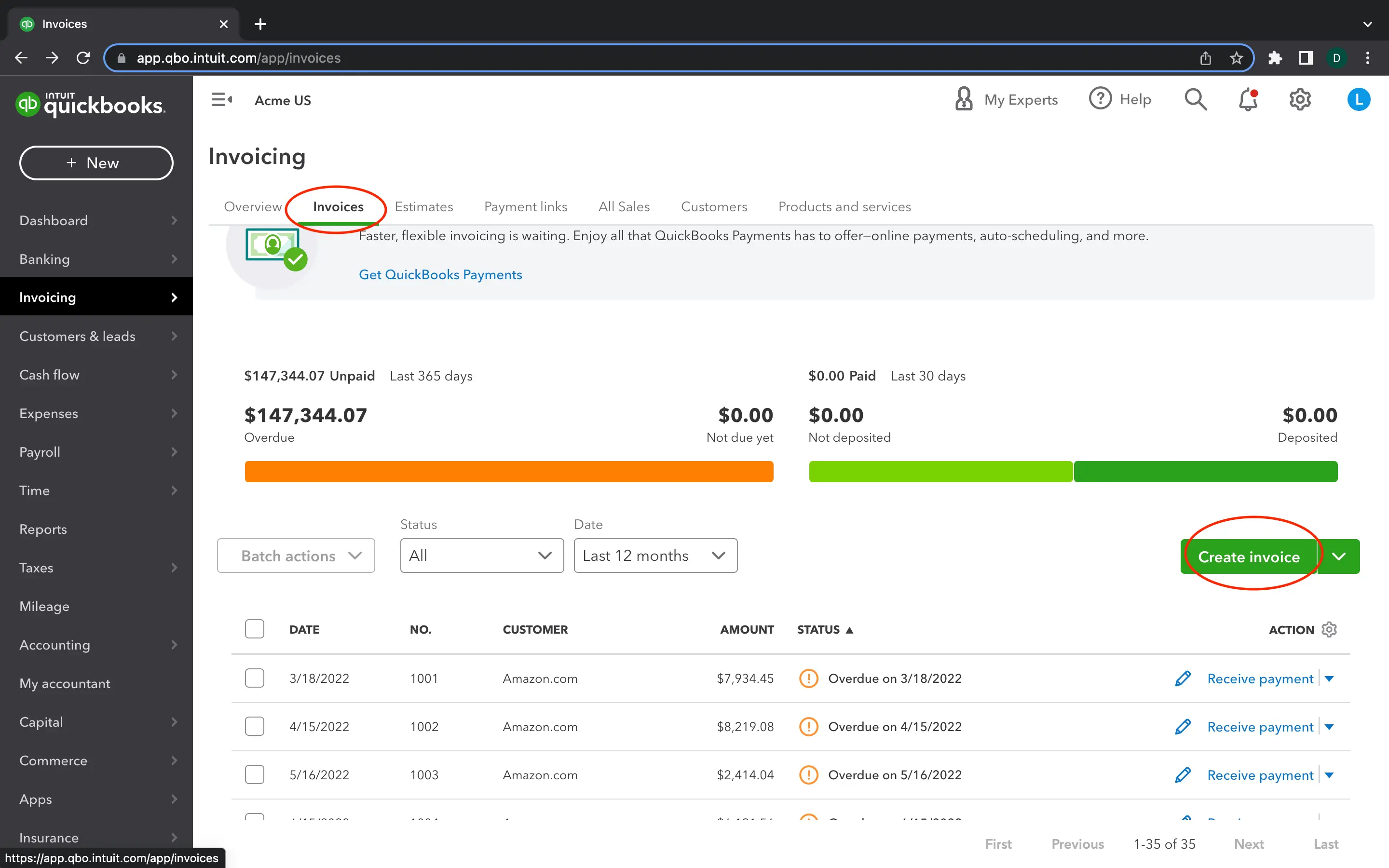
What it does beyond invoicing. Full accounting, expense tracking, mileage tracking, quarterly tax estimates, automatic bank sync, and invoicing with reminders and Stripe/PayPal/ACH collection. Most US accountants already know QuickBooks, so your CPA will thank you.
Pricing (USD). Intuit raised prices in 2026, so read the fine print:
- Free/Solopreneur: QuickBooks now offers a limited free tier, plus Solopreneur at $20/mo for gig workers.
- Simple Start: about $38/mo (often 50% off for the first 3 months, so roughly $19 to start, then full price)
- Essentials: about $75/mo
Pros: invoicing plus full accounting in one tool, best-in-class US tax prep, industry standard.
Cons: overkill if you only want to send invoices; the intro discount masks the real cost after 3 months.
HoneyBook: best invoicing software for creative freelancers
HoneyBook is built for the creative pro who needs more than an invoice for photographers, designers, wedding vendors, coaches, and event planners. If you send proposals, sign contracts, collect deposits, and follow up with the same client, HoneyBook runs that entire workflow.
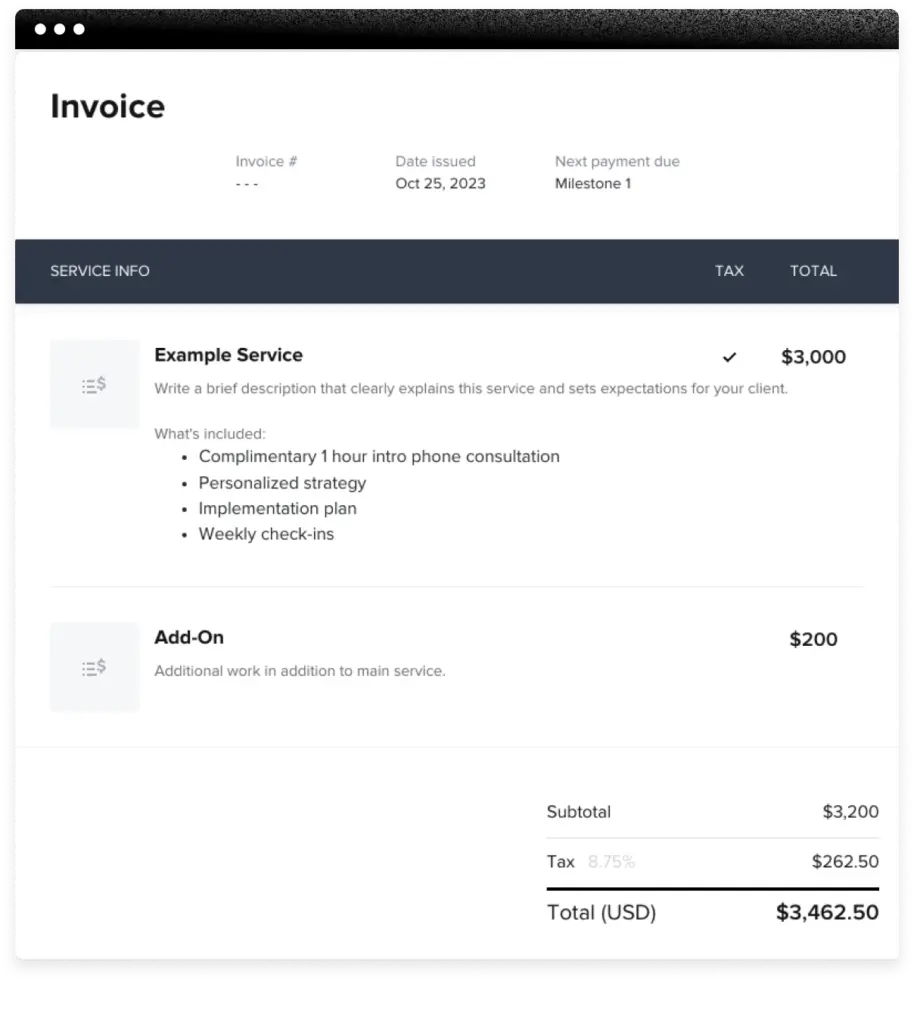
What it does well. All-in-one proposals, contracts, invoices, scheduling, and payments in one branded, client-facing experience, with automated workflows that send the right document at the right time.
Pricing (USD). HoneyBook raised prices significantly in 2025, so the current numbers are higher than many older guides show:
- Starter: $36/mo ($29/mo on annual billing)
- Essentials: $59/mo ($48/mo annual)
- Premium: $129/mo ($106/mo annual)
30-day free trial (no credit card), plus a 60-day money-back guarantee on annual plans.
Pros: best client experience in the category; proposals, contracts, and invoices in one branded package; automated workflows save hours per project.
Cons: more expensive than pure invoice tools; overkill if you just send a simple monthly bill.
Free vs paid: what freelancers actually need
Most freelancers don’t need to pay for invoicing.
When free is enough: you work solo, send a modest number of invoices, and don’t need time tracking or proposals. Zoho Invoice or Wave covers everything at $0/month. Start there and upgrade only when the tool becomes the bottleneck.
When to pay:
- Need time tracking → FreshBooks pays for itself if you track even one extra billable hour a month.
- Creative freelancer with proposals and contracts → HoneyBook replaces three separate tools.
- Need full accounting and tax prep → QuickBooks (just budget for the price after the intro discount).
A freelance bookkeeper charges $300–$500/month to manage your invoicing by hand. A tool under $40/month does the same in minutes.
Which invoicing software should you use?
| Your profile | Best tool | Cost |
|---|---|---|
| Beginner / first client | Zoho Invoice | $0/mo |
| Solo freelancer, simple needs | Wave | $0/mo |
| Established freelancer, growth stage | FreshBooks | from $23/mo |
| Creative pro (photos, design, events) | HoneyBook | from $36/mo |
| Freelancer needing full bookkeeping | QuickBooks | from ~$38/mo |
For most US freelancers in 2026, the smart move is to start free with Zoho Invoice or Wave, then upgrade to FreshBooks once you need time tracking, recurring invoices, and a more polished client experience.
Need more than just invoicing?
The best invoicing software for freelancers depends on your workflow. Here’s what freelancers usually need next:
- Ready to manage clients and pipeline? → our best all-in-one CRM guide
- Want to automate repetitive tasks? → how to use AI automation for small business
- Not sure what AI tools cost? → best AI software pricing for small business
FAQ

Fedora writes step-by-step guides for non-technical founders, turning complex SaaS setups into clear, follow-along tutorials. She focuses on getting small business owners from sign-up to first results without the jargon.